
Screenshots
worth sending.
Capture, annotate, and upload. The share link is on your clipboard before the upload finishes.
Everything between “⌥⌘2” and “here you go”
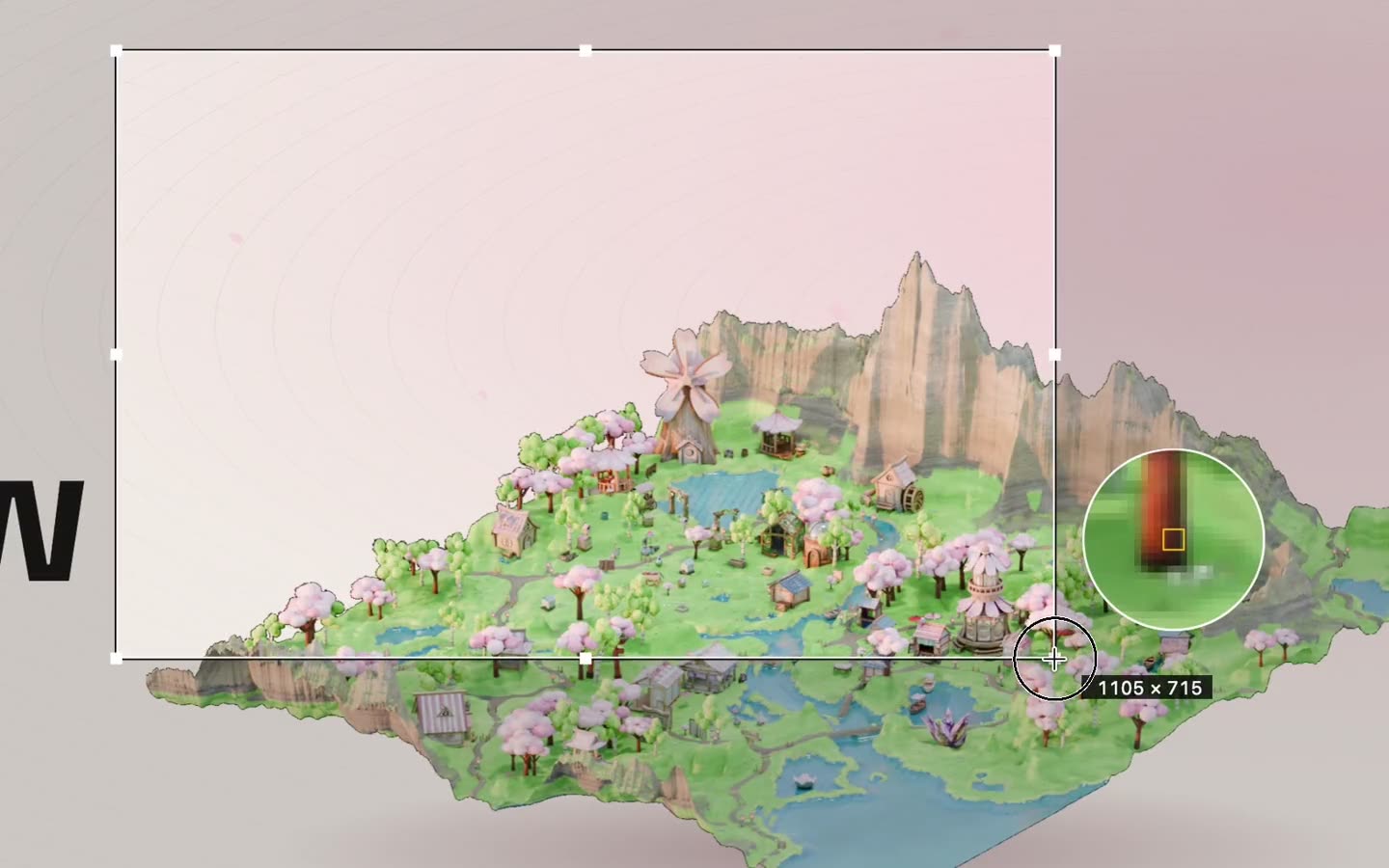
Capture anything
Area, window, or full screen with a pixel-accurate crosshair and magnifier
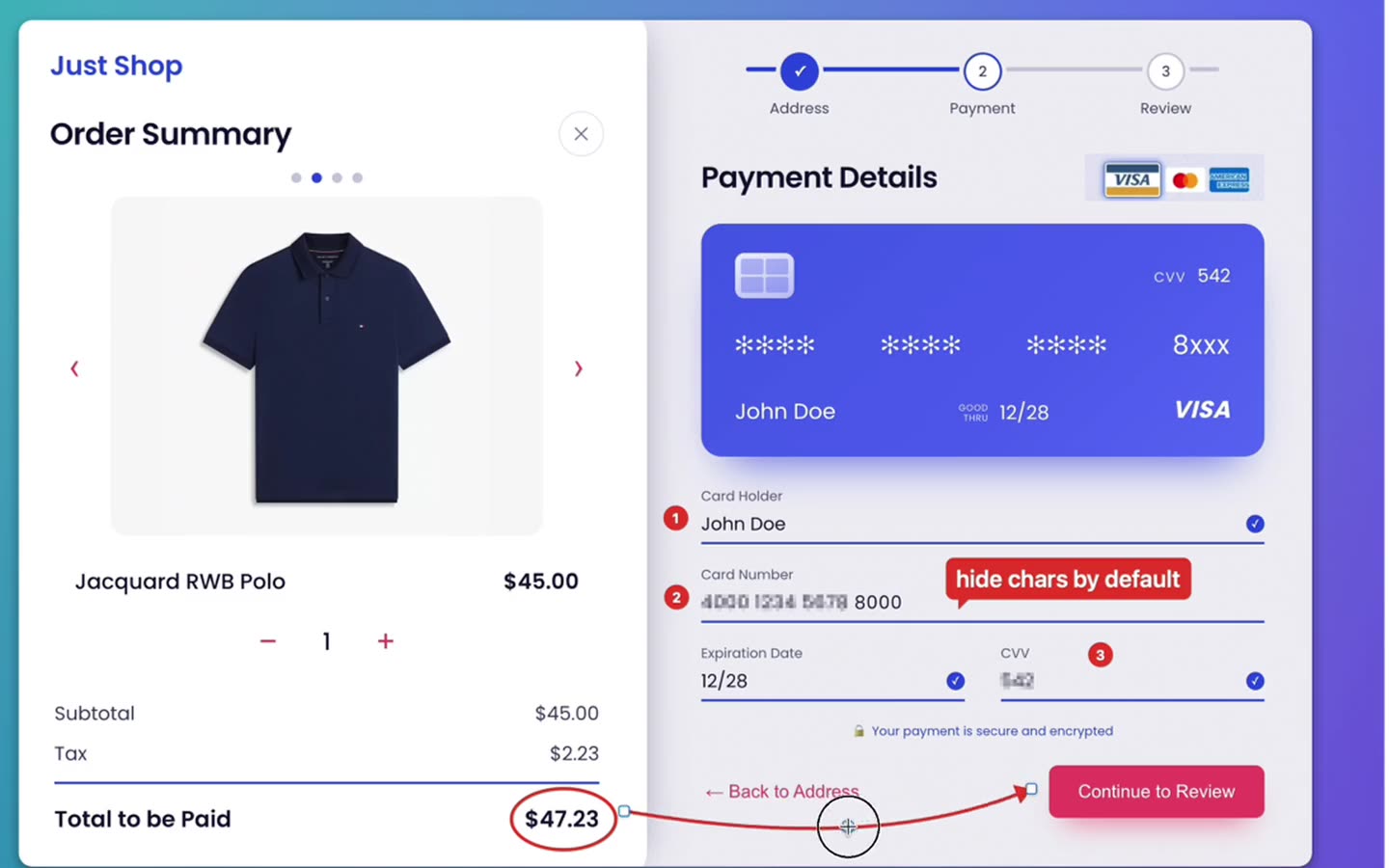
Annotate beautifully
Arrows, shapes, text, step counters, blur redaction, and one-click gorgeous backgrounds
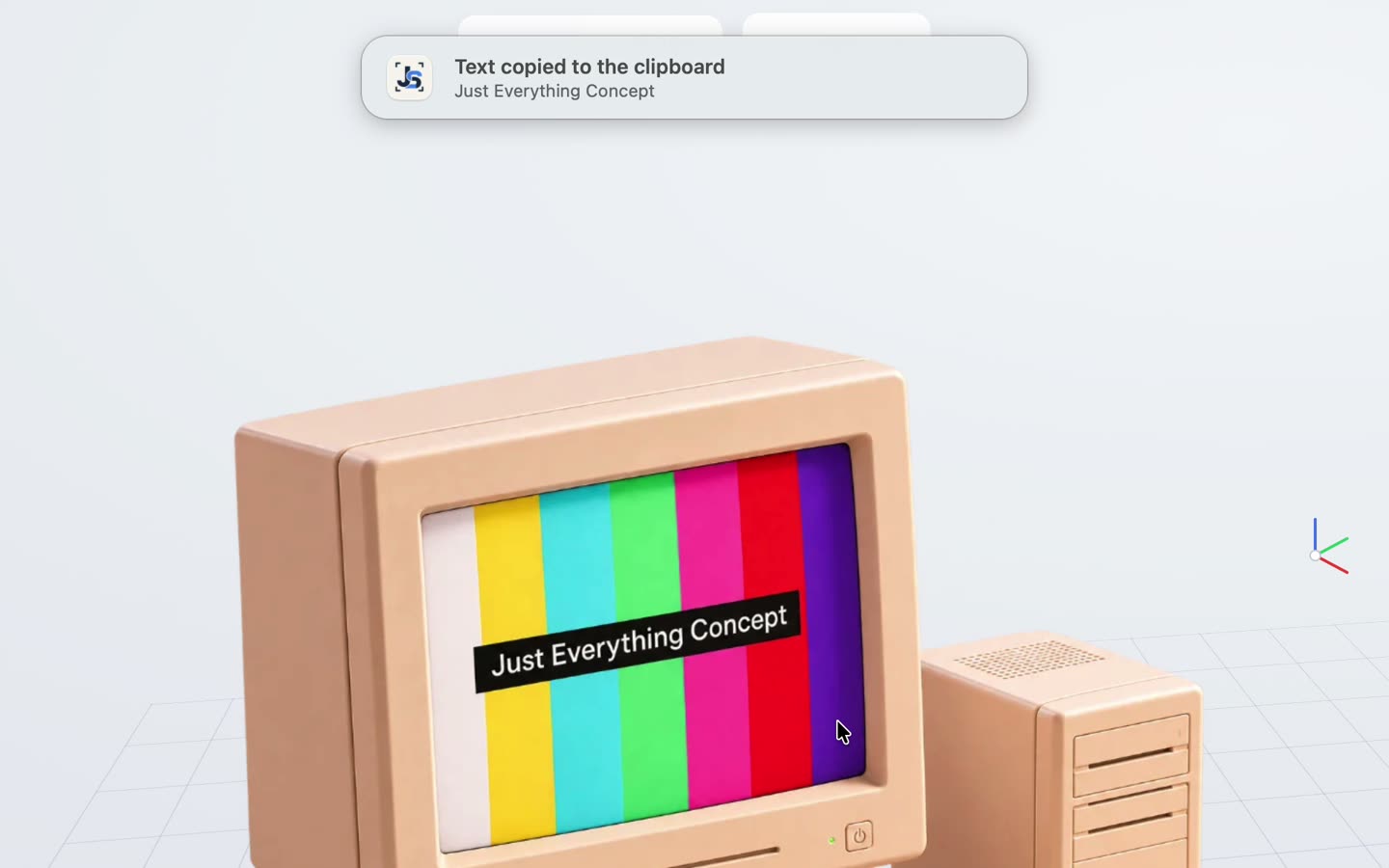
Capture Text, QR (OCR)
Select a region, get the text on your clipboard instantly. 100% on-device - no servers
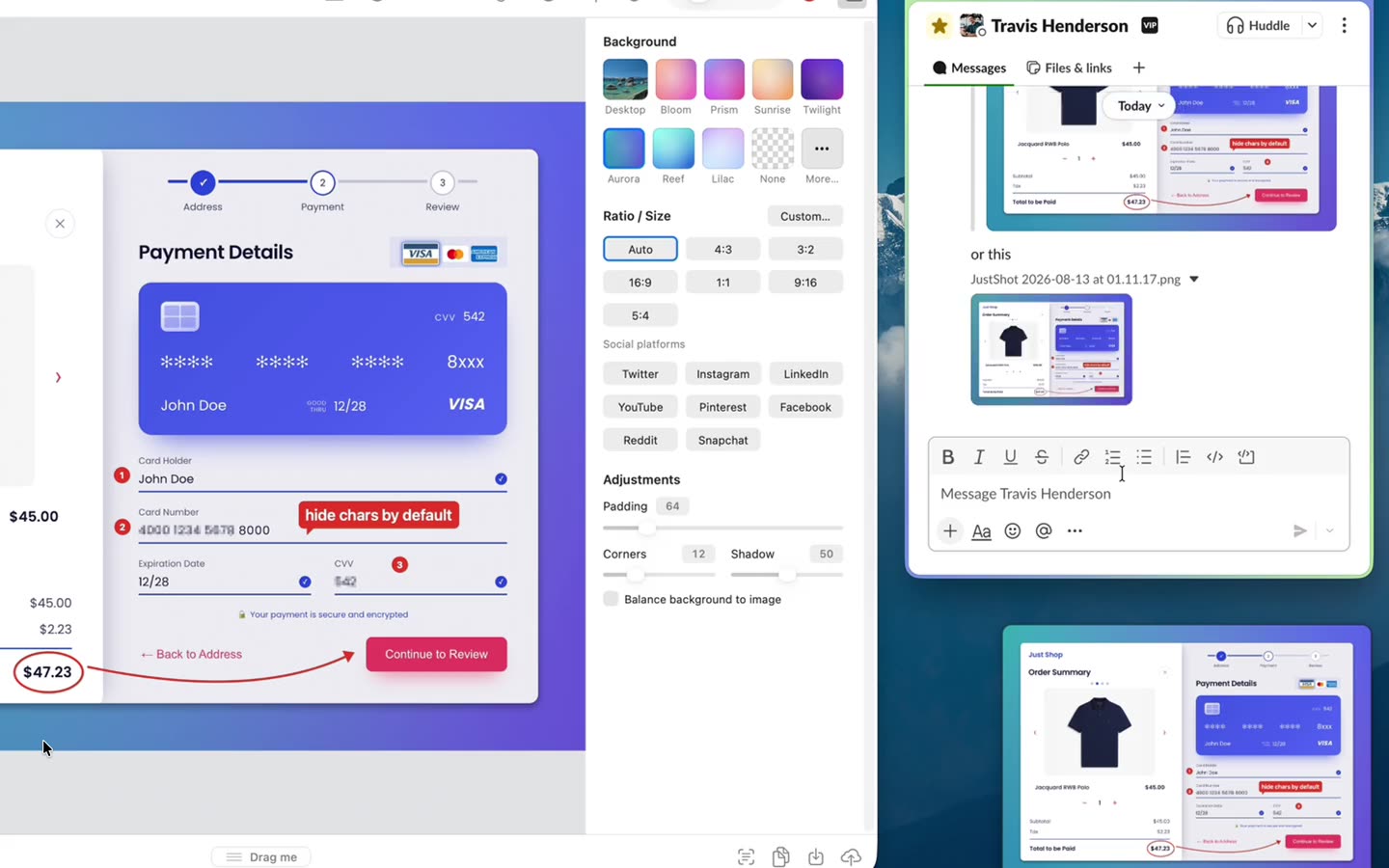
Pin to screen
Keep a shot floating above everything, then drag it straight into Slack, Mail, or a browser upload
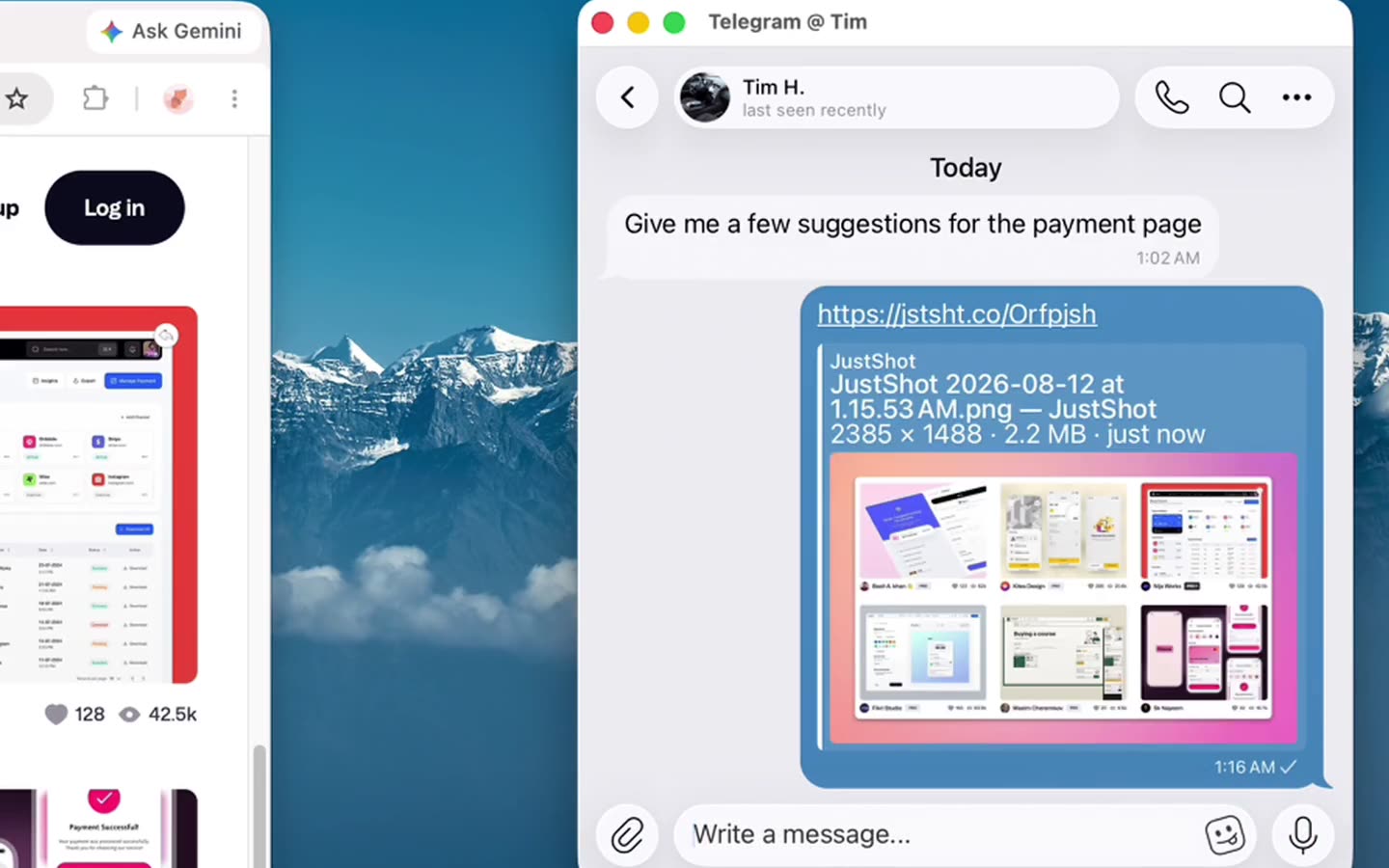
Share in one click
The link is copied the moment upload begins. Optional password, expiry, and burn-after-read
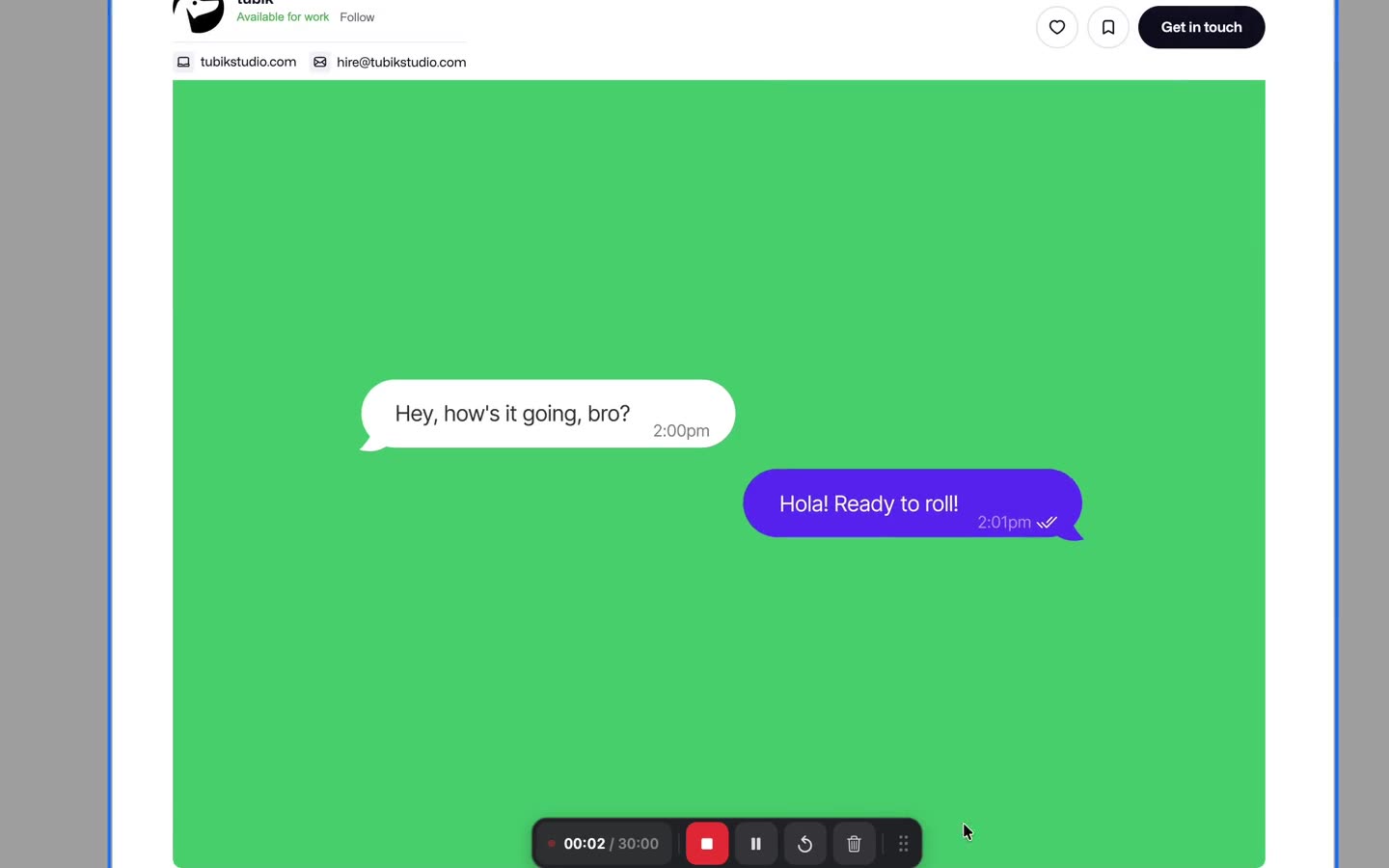
Screen Record
Screen or window, with the mic or computer audio. Annotate, upload and share in one click
Every action has a justshot:// URL - capture, record, pin, OCR, upload. Bind one to a hotkey, or build it into a Shortcut.
open "justshot://capture-area?action=upload"
The link is copied before the upload finishes
Hit share and paste immediately - we hand you the URL the moment the transfer starts. Recipients get a clean viewer page, no account, no clutter.
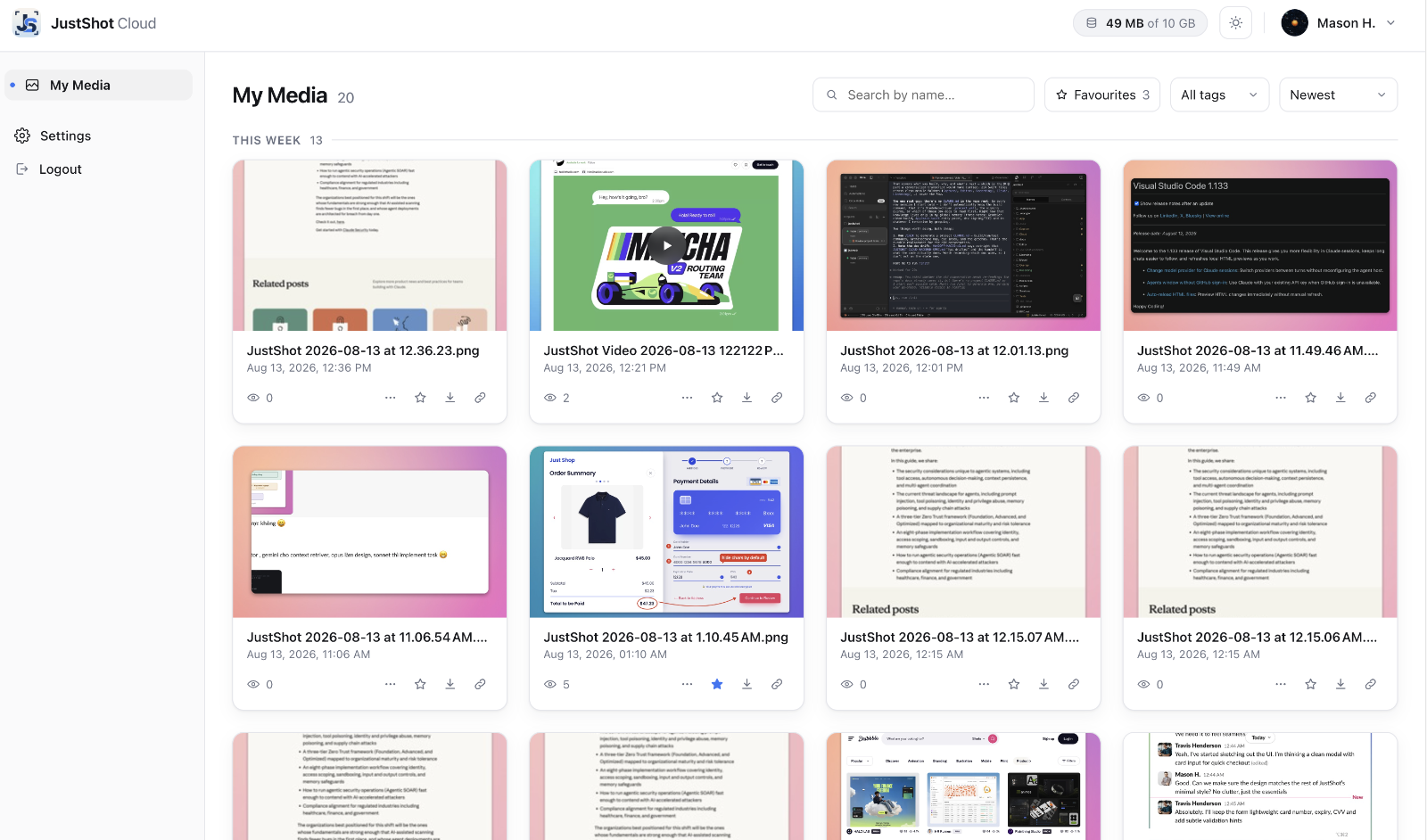
The app is forever free, full features, no watermarks. The cloud is the upgrade.
One payment of $99 and it is yours - no renewal, no expiry date, nothing to cancel. The same 10 GB of storage, video sharing and link controls as Cloud Basic.
Download JustShot
for Mac
Free forever for the app itself. Signed and notarized by Apple, no account required.
macOS 15 (Sequoia) or later · Apple Silicon & Intel · 3.6 MB